
A creative worldbuilding playground
Create Your Own World
Shape a place that feels like yours. Start with a welcoming world, then connect its forests, waterways and small towns.
Create in your browser. Begin with an idea.

Waterfold, Earth Haven · captured in the editor
Small details.
A world that feels like yours.
Build Landscapes Your Way
Start with open water and draw your first island. Raise mountains, soften a hillside, create lakes and trace a river across the land.
Add a few trees or a broad forest. Change the height and tree cover until each place has its own character.
Explore the map maker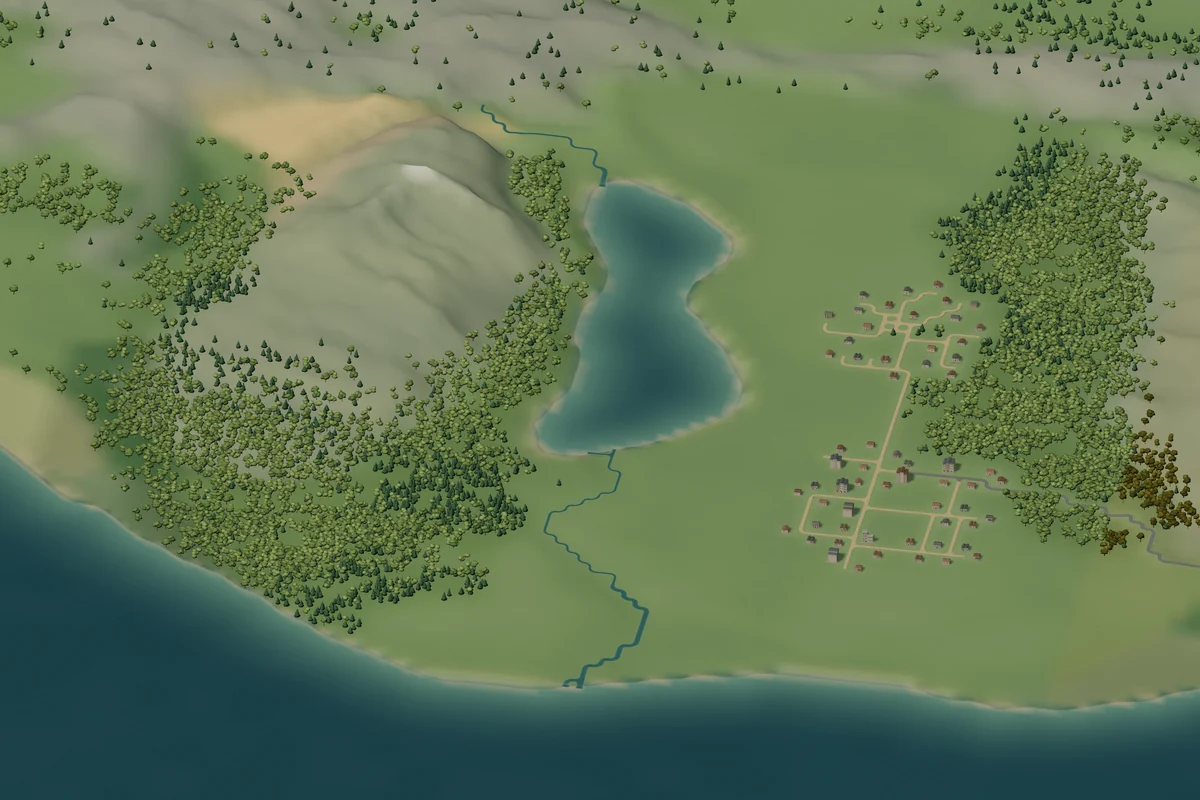
Design Towns and Roads
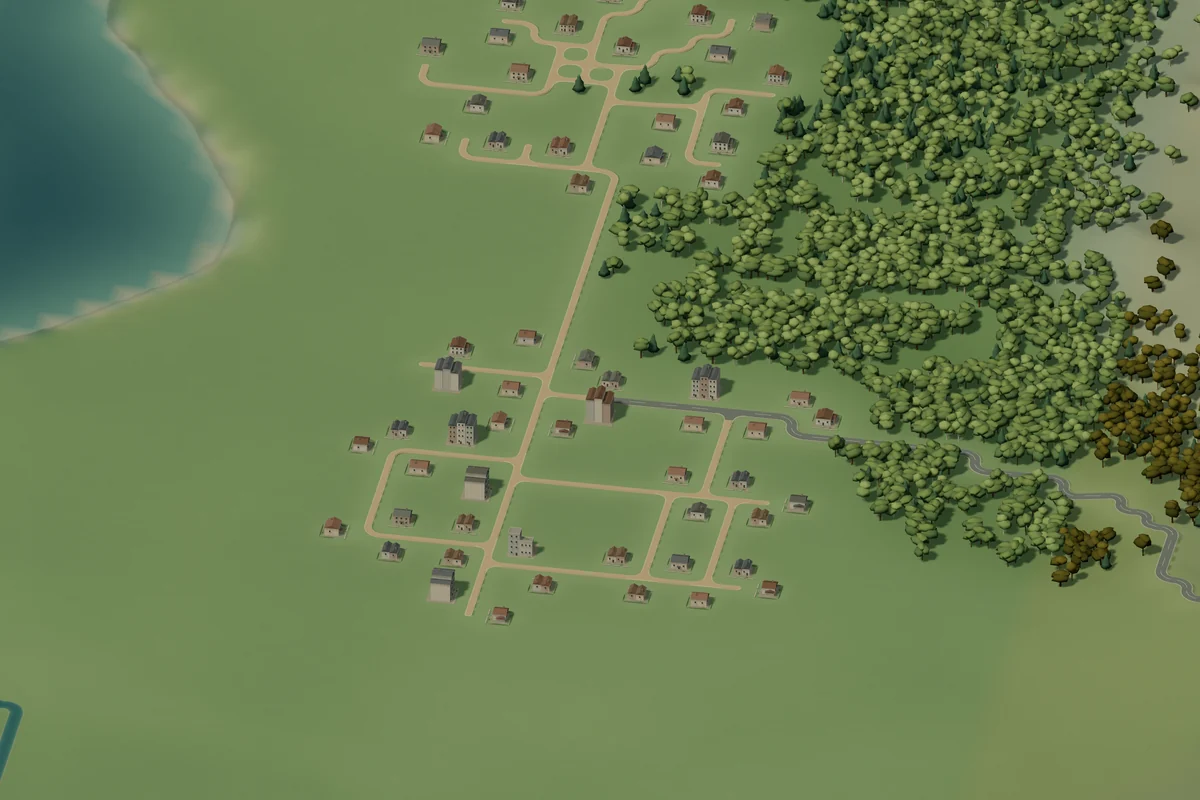
Give your landscape somewhere to lead. Place buildings, grow a small village or plan a larger town. Connect places with roads and paths, and cross rivers with bridges.
Preview a stroke as you draw, then release to place it. Undo and redo make room to try a different direction.
- Buildings & towns
- Roads & bridges
- Optional place names
Four characters. Countless possibilities.
Explore Different Worlds
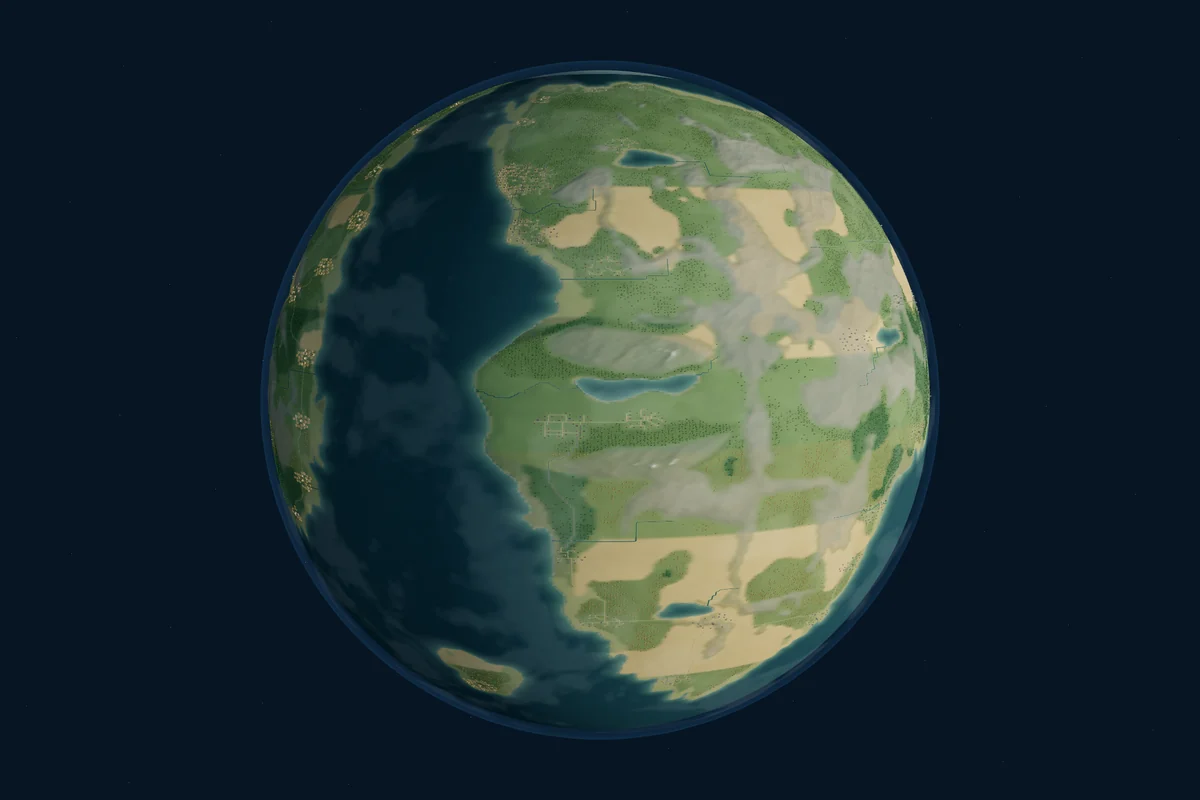
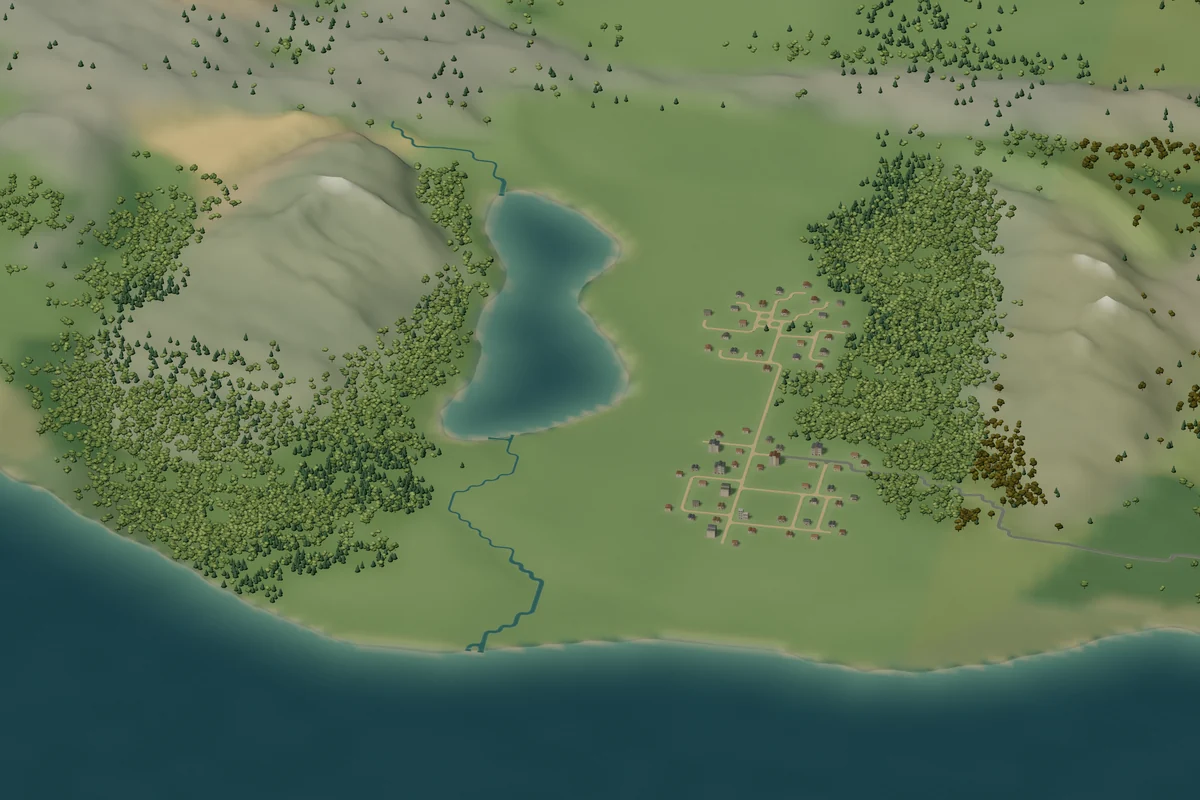
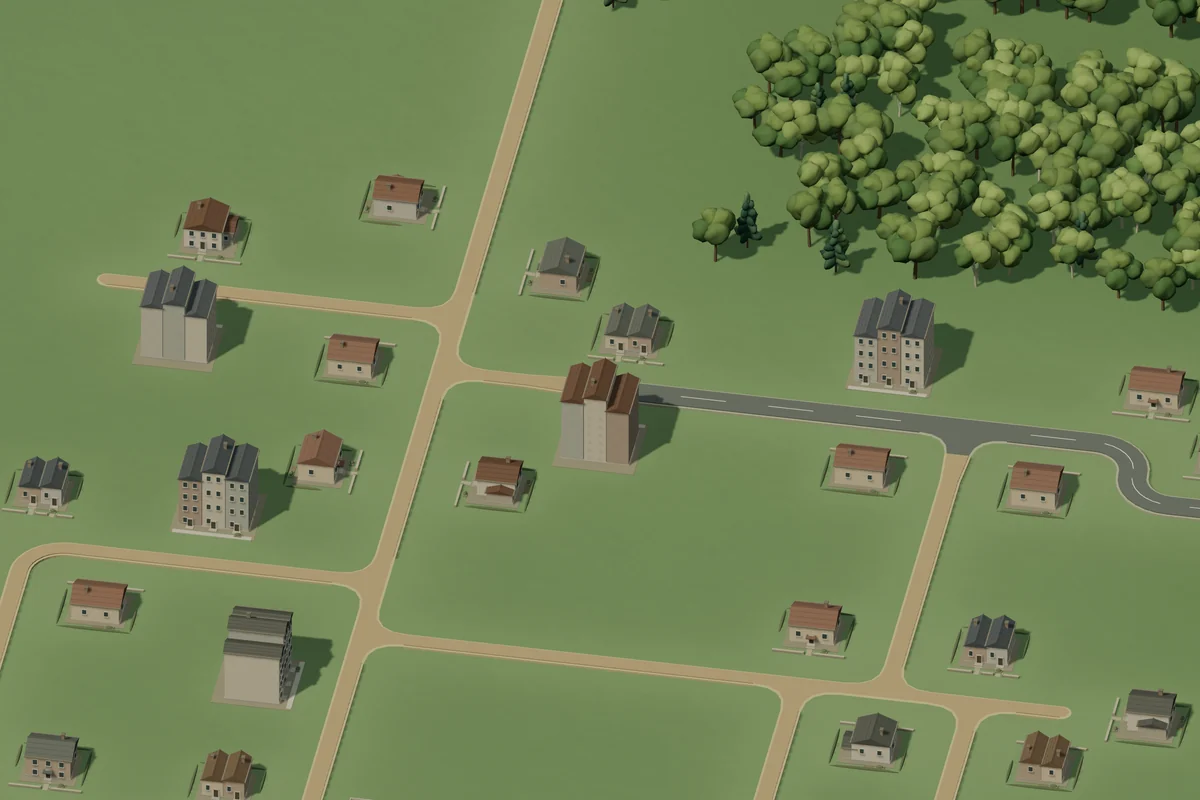
Planet, region, doorstep. These three views are real captures of the same Earth Haven world. Every part remains yours to edit.
Earth
Green landscapes, familiar trees and towns. A place to begin with something you know.
Sylvaria
Willows, blossom gardens and pale castles among rolling highlands.
Embervale
Amber canopies, timber villages and strongholds along winding waterways.
Astralume
Violet uplands, luminous groves and domed settlements beneath the stars.
Want a little of everything? Concordia brings all four world styles together. The Next stroke style selector also lets you mix their terrain, trees and buildings as you edit.
How Terrumi Works
Your first world, step by stepFind your beginning
Choose a ready-made planet to edit, or create a new one with nothing but water.
Make a place your own
Pick a region, shape the land and add forests, buildings, roads and rivers.
Keep your world
Continue a browser draft, export a JSON backup, or sign in and save a separate cloud copy.
Start Building Your World
A quiet island, a forest village, a whole new planet. Start with one idea and see where it takes you.